
How-to · Channel partners
Data sheets and CAD drawings
Two free tools for channel partners: a technical data sheet in your firm's name, and a bill of quantities from a CAD drawing.
New for Enlighten Pro channel partners, and free. Build a four-page technical data sheet for any fitting, issued in your firm's name with your verification QR, and download the PDF and the IES file. Drop a DWG or DXF drawing into the CAD Workbench to count every fitting and export a bill of quantities. Ask us to switch both on for your login.
More videos
 0:44
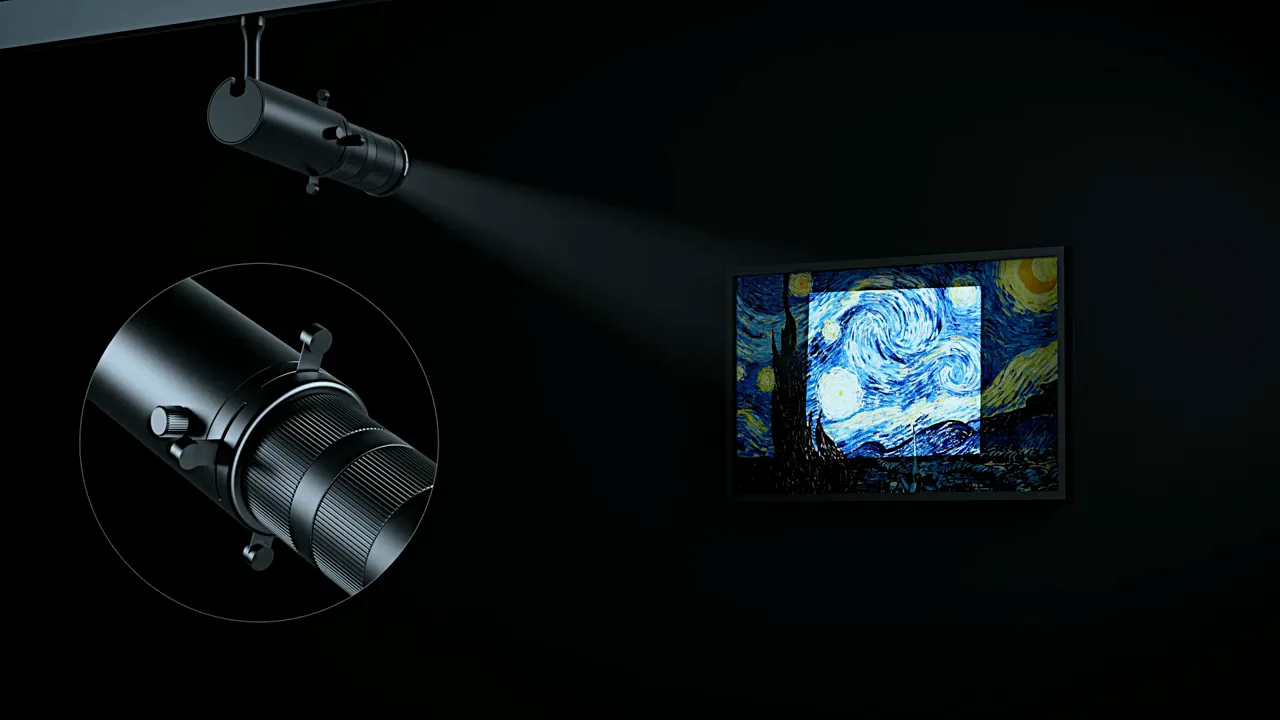
0:44TL06 FrameOne
A framing light that trims its beam to the edge of the artwork.
 0:39
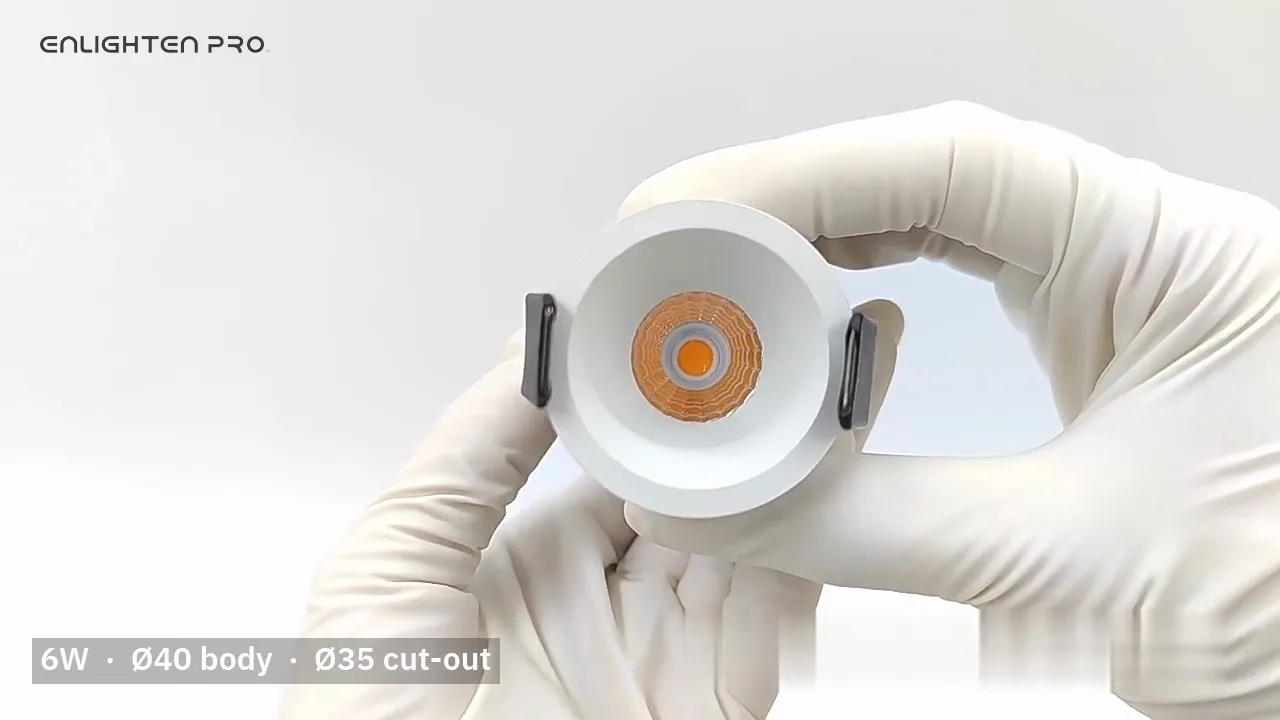
0:39CB02 Cone
A COB downlight with the light set back deep in its cone.
 1:09
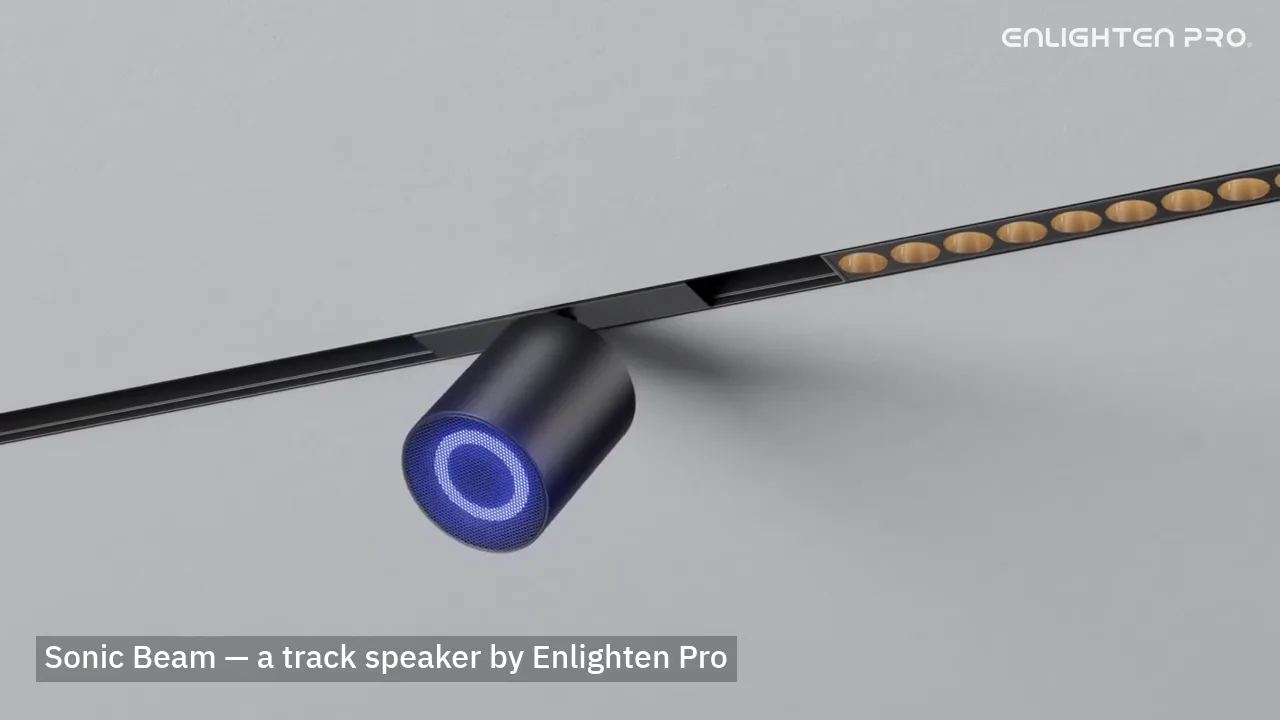
1:09Sonic Beam
A Bluetooth speaker that runs on the lighting track.
 1:21
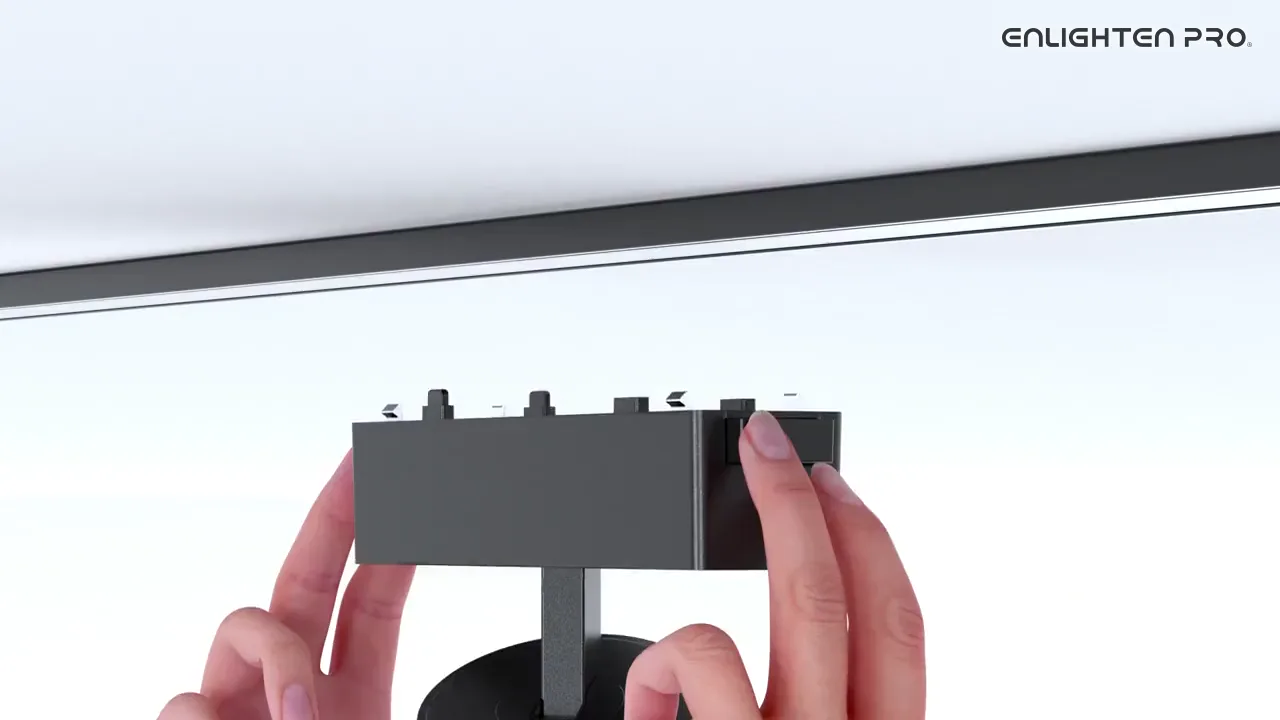
1:21CIANA Elance' installation
A full run of the 6mm magnetic track, from bare ceiling to lit luminaires.
 0:58
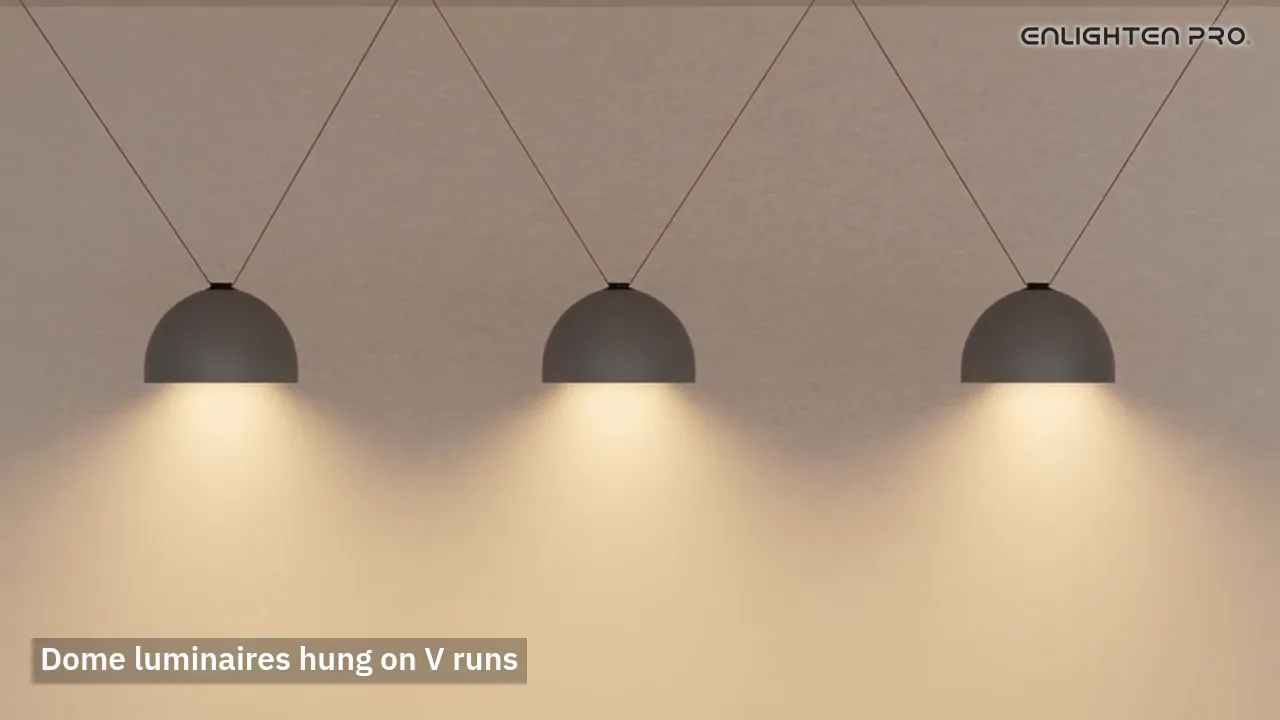
0:58Fabric belt installation
A woven 48V belt hung in curves between nodes, taking power off the track.
 1:09
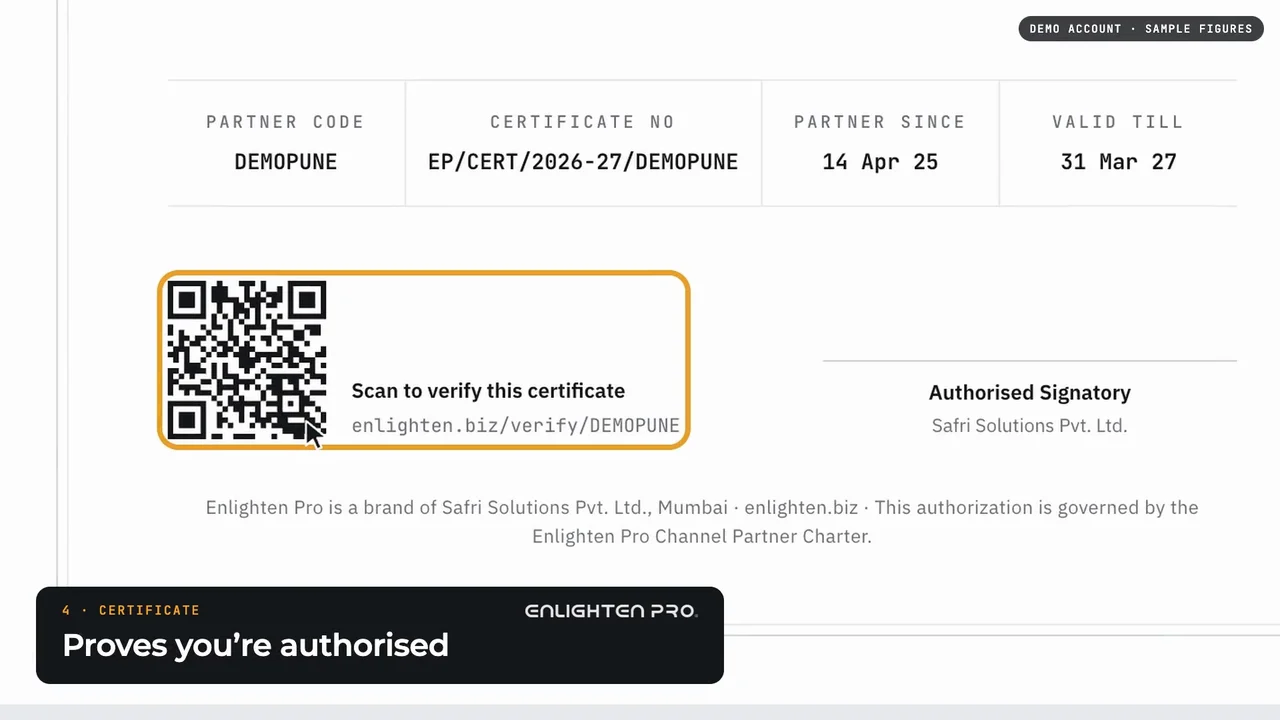
1:09Become an Enlighten Pro channel partner
Apply in a minute, then see your own net prices, your dashboard, your certificate and project protection.
 0:48
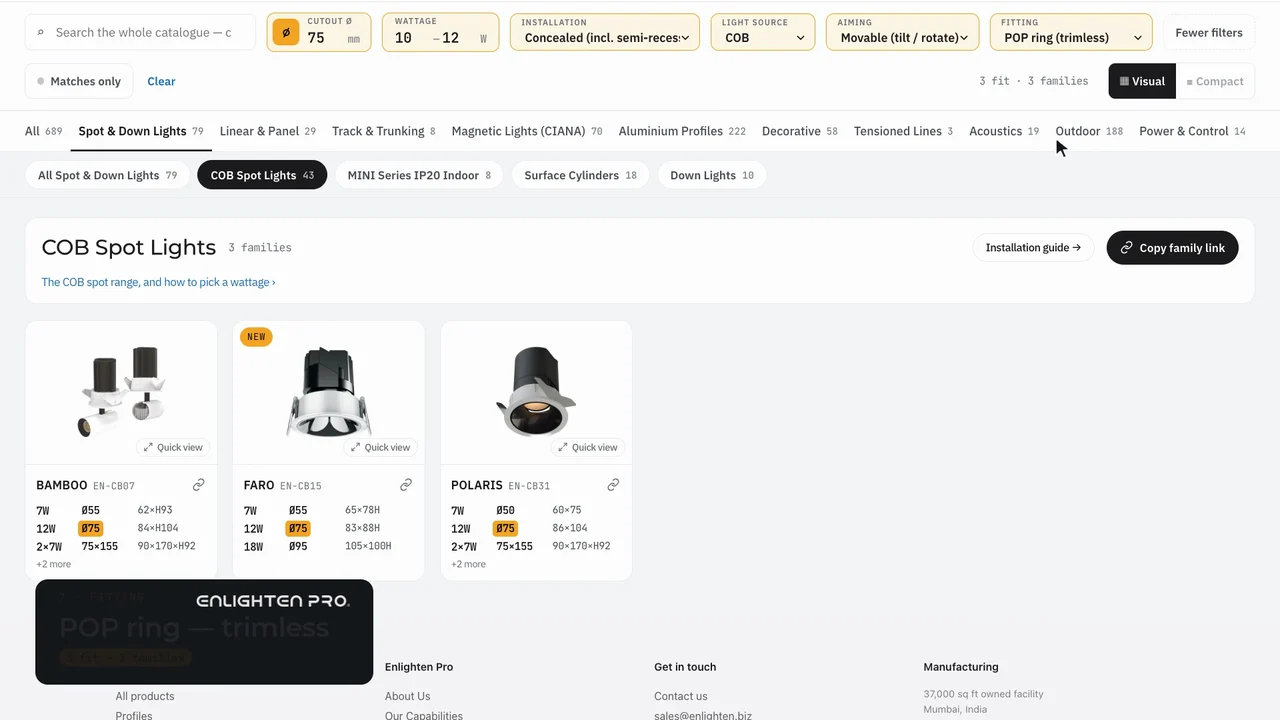
0:48Find the right fitting in our catalogue
Family, installation, cutout, wattage, light source, aiming and fitting: from over 1,100 products to the three that fit.
 0:45
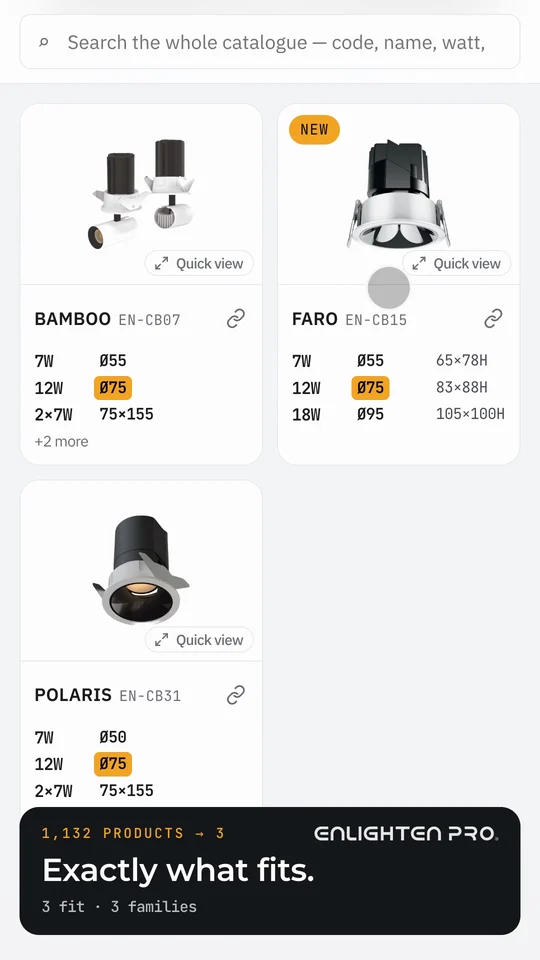
0:45Find the right fitting, on your phone
The same catalogue search on your phone: from over 1,100 products to the three that fit.